Part 11 of 33
Worksheets and printing
Every lesson has practice on paper, away from the screen, with an answer key. The sheets are free to print, and you can print the same one as many times as you like.
Finding them
In a lesson, the printables are in the colored band at the very top, beside the lesson number and the time. A lesson shows one of two things there:
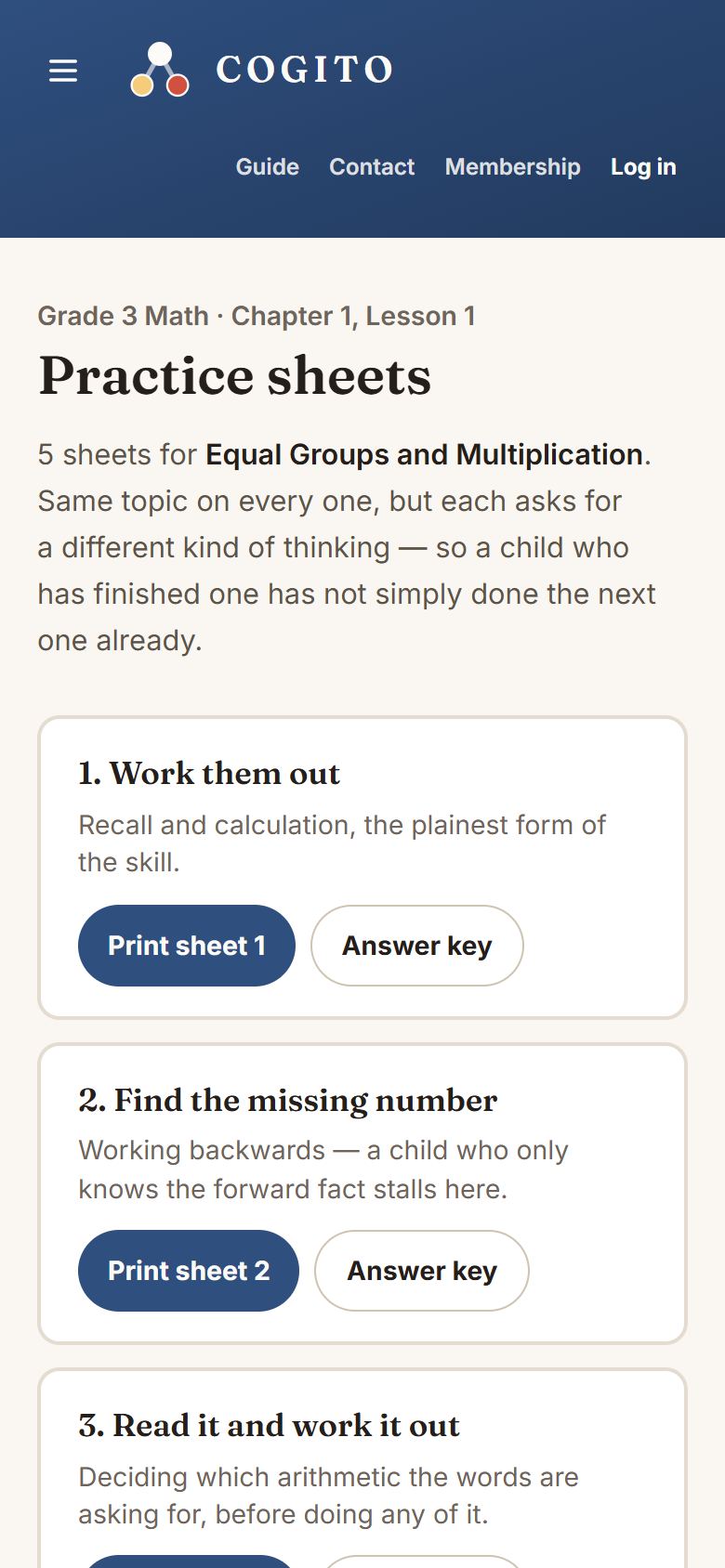
- Practice sheets: a page listing a set of sheets for this lesson, each with its own answer key.
- Worksheet and Answer key: one sheet and its key. Each opens in a new tab.
To print without opening a lesson, choose Practice worksheets in the menu. It lists every lesson by subject, course and chapter, with its sheets.
A set of sheets, not copies
Every reading lesson, every science lesson from Kindergarten to Grade 5, and about a third of math lessons have a set of sheets, most often four or five. They are not the same questions with the numbers swapped. Each asks your child to think a different way, and the titles say which. In math, for example:
- Work them out: plain calculation. The straightforward one.
- Find the missing number: working backwards. A child who has only memorized the forward fact stalls here, which is exactly what you want to find out.
- Read it and work it out: word problems, where deciding which sum to do is the actual work.
Reading sheets are built from the lesson’s own story and questions, with titles such as Find the proof and Say it in your own words. Science sheets are built from the book’s own pages, with titles such as Right or wrong, and why and Predict, then explain.
So working through all of them is genuinely more practice, rather than the same practice over again. A child who breezed through sheet 1 may well struggle with sheet 2, and that gap is the useful information.
More worksheets, in math
On most math lessons’ sheet lists, a box headed More worksheets makes a fresh set: the same kinds of thinking with different numbers. Tap Make another for the next set. Print a sheet and its key from the same set, because a key only matches the set it was made from.
A single worksheet
The other lessons have one worksheet made from the lesson’s own questions. It starts with a few review problems from earlier lessons, then gets harder as it goes. It is shorter for younger children: ten problems in Pre-K and Kindergarten, up to twelve in Grades 1 to 3, sixteen in Grades 4 and 5, and twenty above that.
Printing one
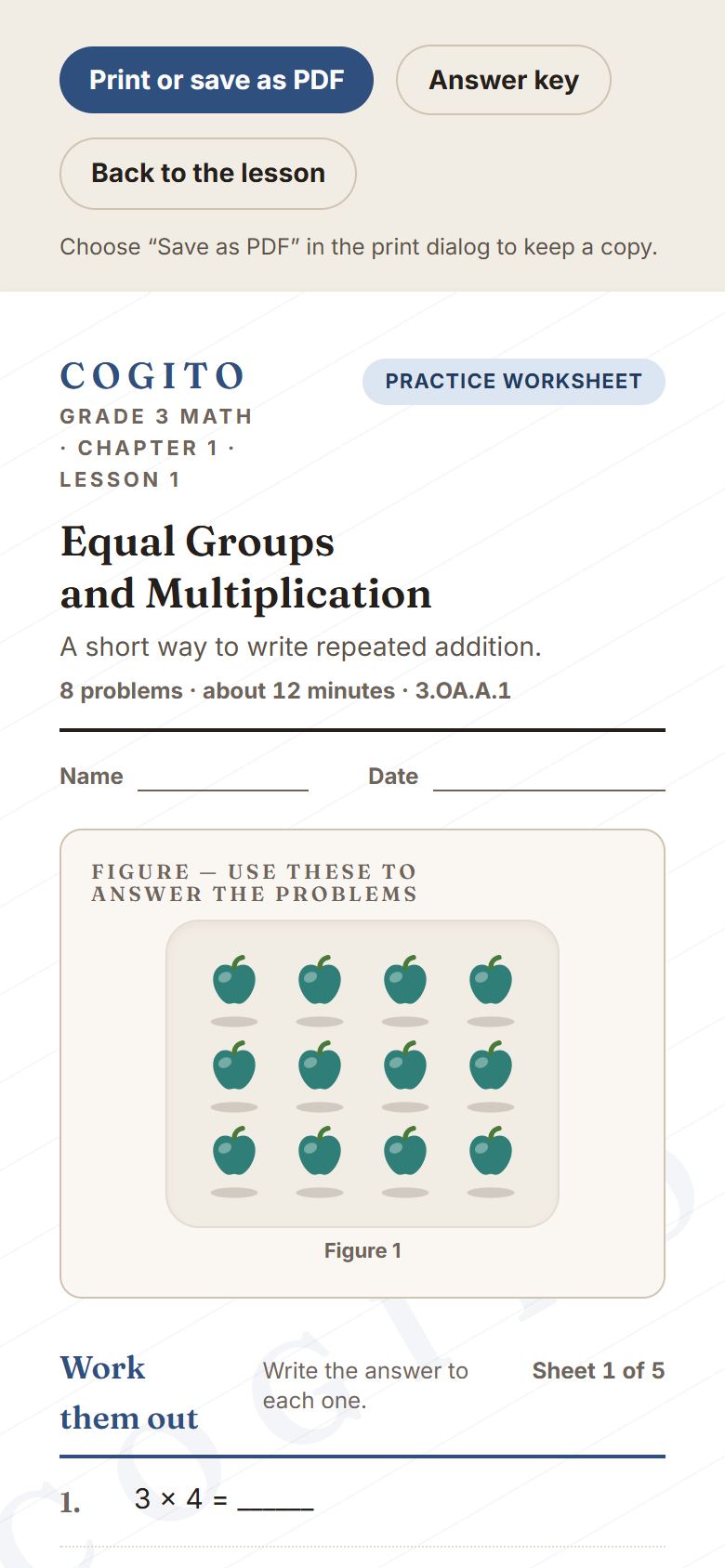
- Tap Print sheet 1, or any other sheet, or Worksheet. It opens in a new tab, laid out for paper, with lines for your child’s name and the date.
- The print box opens by itself. If it does not, or you closed it, press Print or save as PDF at the top of the sheet.
- Choose your printer and print. To keep a copy instead, choose Save as PDF. The sheets are made for ordinary A4 or Letter paper.
The answer key
Beside every sheet is an Answer key button. It is the same questions with the answers filled in, on its own page, so you can print your child’s sheet without the answers on it and keep the key yourself. The top of each printable also links to the other one, and Back to the lesson.
Word problem sets
The word problem sets by grade, in Competition Prep, print their own sheets, twenty problems at a time. See Competition Prep.