Part 16 of 33
This week
A lesson done once is a lesson started, not a lesson learned. What makes an idea stay is meeting it again on other days. This week is how that happens: the moment your child finishes a math, science or reading lesson, it comes back as four homeworks of ten questions — HW 1 to HW 4, one a day, each from a different angle. Science and Reading lessons are picture books now, and they start a week just the same. Life Skills lessons do not start one. The week shows in the Today panel at the top of the home page, once you are signed in.
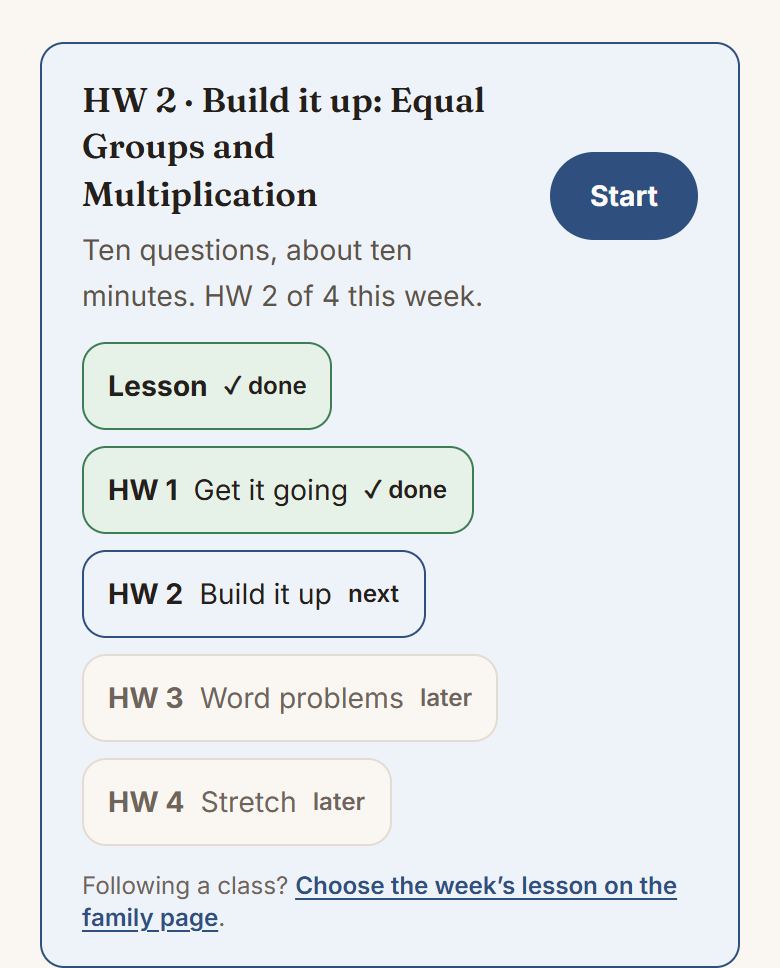
The lesson and four homeworks
- The lesson itself, on a slip marked Lesson — or Class, when the week follows what a class or you chose rather than what your child opened. Finishing it starts the homework.
- HW 1 · Get it going — the lesson’s quick check and its easiest practice first, the next day.
- HW 2 · Build it up — the practice with more to keep track of, plus one question from the day before.
- HW 3 · Word problems — the lesson’s own, then the grade’s, where the hard part is deciding what to do. In science this one is Apply it, the model somewhere new; in reading it is Put it to use, the skill on a real passage.
- HW 4 · Stretch — the trickiest the lesson has, a couple of puzzle-shaped ones, mixed practice from the chapter, plus one more return.
Each homework is ten questions. Every math lesson from Pre-K to Grade 8 has its own four homeworks, written for that lesson: none of them copies the lesson’s own questions, each question stands on its own, and more than half have a drawing. A drawing shows the groups and the numbers, never the answer.
Other lessons build their homework from questions somebody already wrote for the same idea, in this order: the lesson’s own, the chapter check’s questions on that lesson, the grade’s word problems, and earlier lessons in the course. Nothing is ever made up to fill a gap, and nothing is asked twice in a week except the two deliberate returns.
Every homework then ends with two questions from Today’s five, so chapters passed months ago keep coming back too. While a week is running, that is where the warm-up lives. Once all four are done, the home page says This week is done and links to Today’s five underneath.
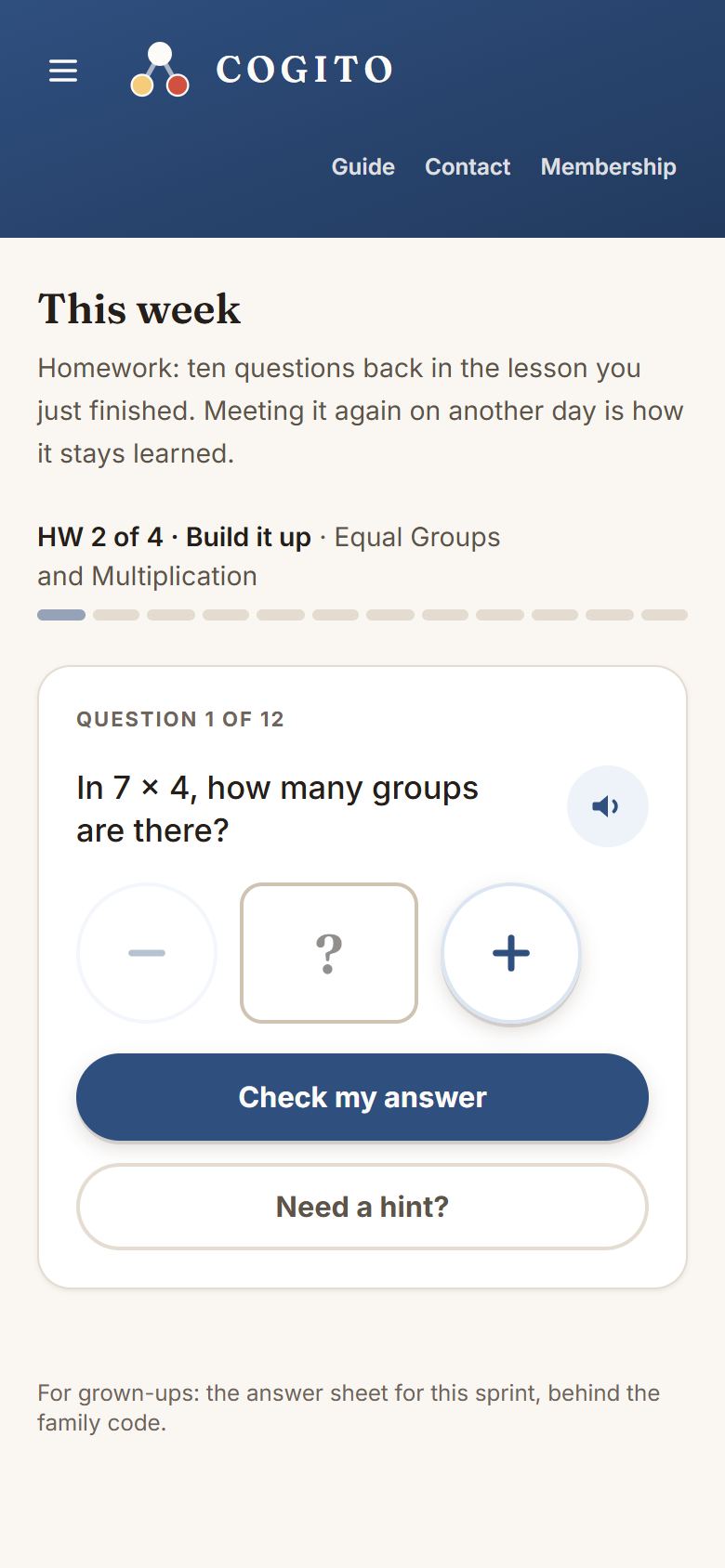
One a day, and nothing to fall behind on
Each homework opens the day after the last one was done. That gap is the point — it is the difference between practicing and cramming — so the app will not offer HW 2 on the same afternoon as HW 1, however keen anyone is.
They are numbered by homework, not by day, and that is deliberate: a missed day misses nothing, and HW 2 is still HW 2 whenever your child sits down to it. There is no streak to protect and nothing anywhere that says behind.
If your child is in a class
A class meets once a week, and the four homeworks are what follows it at home. You do not have to set anything: the class says which lesson it covered, and from class time that lesson is the week.
- Join a class from the family page, under The weekly class.
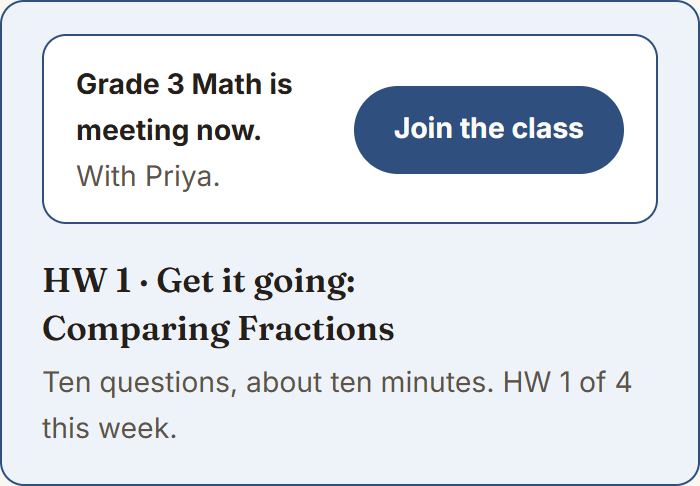
- On class day the home page carries the class at the top, with a button that opens it. The class itself happens in your teacher’s own meeting room, not here. You wait outside until the teacher lets you in by name, so please keep the link to your own family — who is in the room explains why.
- The homework then opens one a day, as usual. Open the app on Tuesday and the first two are already waiting, because the week is dated from the class rather than from when you looked.
Choosing the week's lesson yourself
Without a class, you can still point the week at a particular lesson, rather than whatever the child last opened. On the family page, under This week’s lesson, pick any lesson in the course and tap Start this week.
- The Today panel on the home page points at that lesson first, with Open the lesson.
- Its first slip then reads Class rather than Lesson, and once it is finished the four homeworks run as usual.
- Your choice holds until the week is complete, so finishing other lessons will not move it. Signed in, a choice made on your phone reaches the child’s tablet.
When they are stuck
Every homework question works the way a lesson question does: Need a hint? gives hints one at a time (Another hint for the next), and none of them gives the answer away. Wrong answers can be tried again. After three tries a child can tap Skip this one, and the skip shows the answer with its reasoning wherever one was written — not a bare number. A question from Today’s five offers the skip after two tries.
For you, there is an answer sheet: the same ten questions with the answer and the reasoning under each, printable, behind the family code. It is linked from the foot of the homework and from This week’s lesson on the family page.
What you see
The family page shows which lesson the week is on, and which of the lesson and its four homeworks are done. If a question took three or more tries it says so — one line, so you know what to ask about at dinner. The child sees none of that: to them it was a question that took a few goes, which is what learning looks like.