Part 6 of 33
Finding where to start
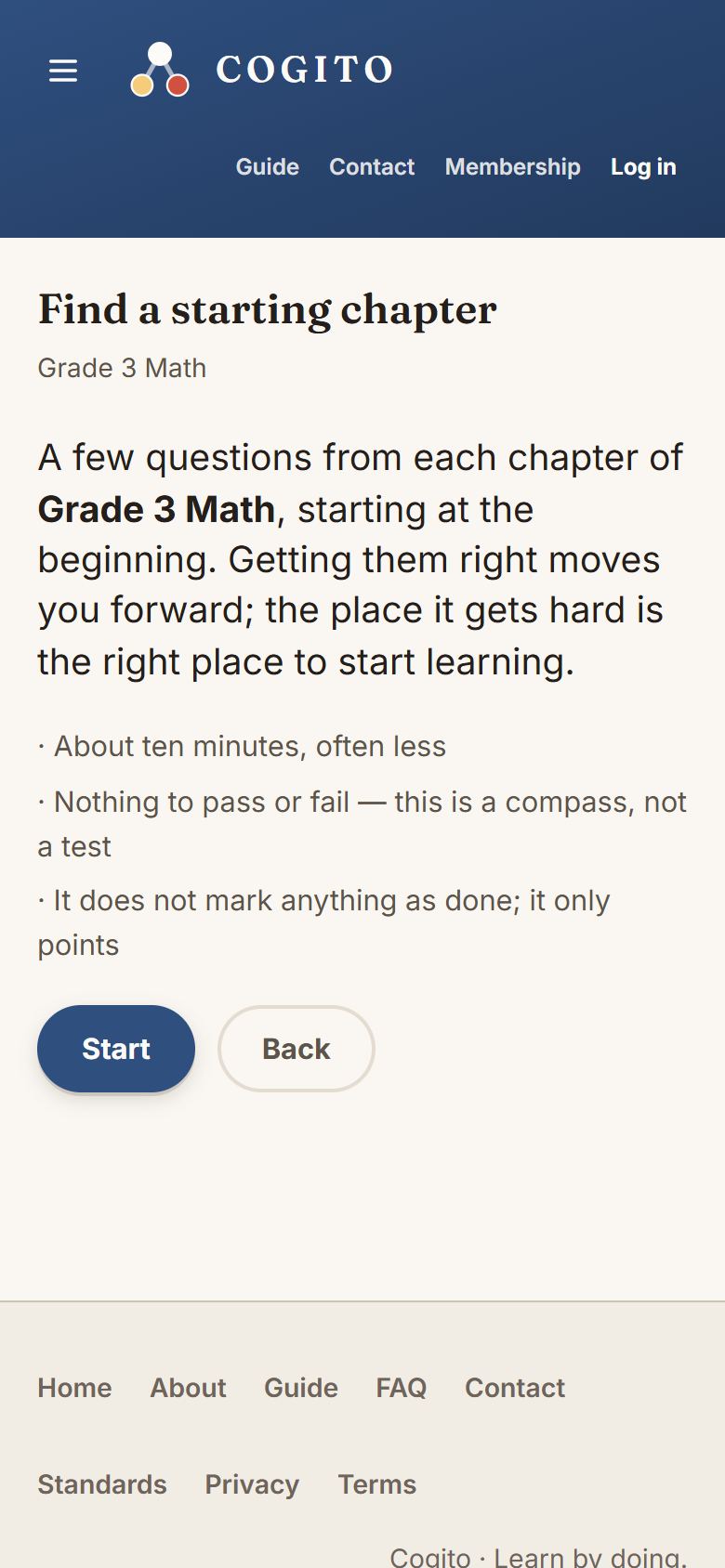
Not sure which grade to open? A short test in math or reading suggests the course and chapter your child should start with. It asks a few questions at a time, moves up when they are easy and down when they are hard, and stops where the work is just right.
How to run it
- Add your child on Learners and press Start the test, or press Not sure? Find where to start at the top of All courses. (Or go straight to cogitolearning.com/placement.)
- Choose math or reading, and your child’s grade.
- Let your child answer alone. It starts a little below their grade, so the first questions feel easy. About ten minutes for the youngest, up to twenty for Grades 6 to 8. A break is fine: it carries on where it stopped.
- At the end it names a course and chapter. Start here goes there; the family page keeps the suggestion.
What it does not do
It marks nothing as done and passes nothing. It is a suggestion: every course stays open, and if the first lessons feel too easy or too hard, move on or step back. Science has no test; pick the science course for your child’s grade.