Part 16 of 25
Build a problem
Every other page in Cogito asks your child a question. This one lets them set one — and setting a question turns out to be the harder, more revealing act. To make “three groups of four” you have to know that a group needs a size and the whole needs a count. A child who can build it understands the picture in a way that answering one more of them never shows.
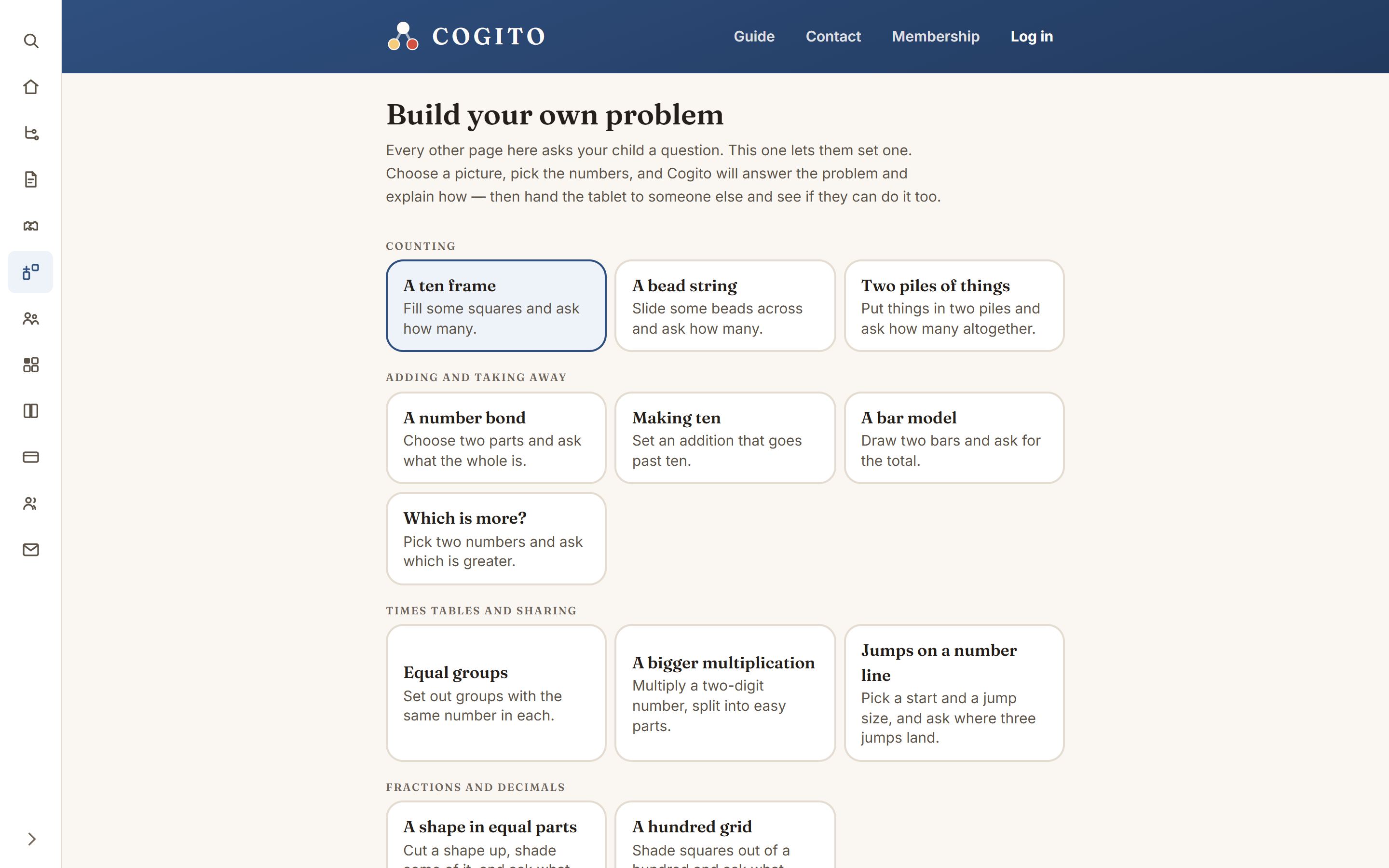
Making one
- Open Build a problem in the menu.
- Pick a kind. There are seventeen, grouped by the math: counting, adding and taking away, times tables, fractions and decimals, and measuring.
- Choose two numbers with the plus and minus buttons. The picture changes as you change them — that is the real lesson happening.
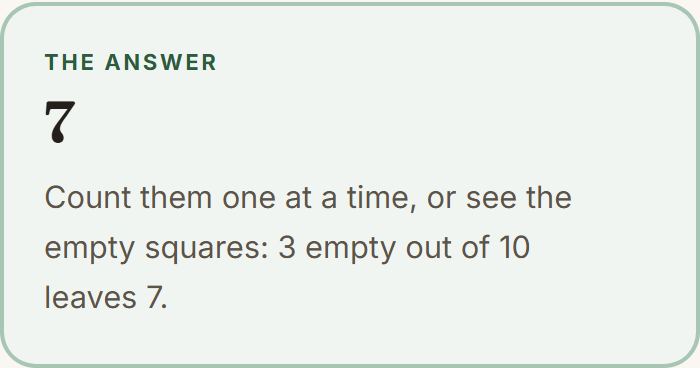
- Cogito writes the question underneath, works out the answer, and explains how it got there.
Then hand the tablet over
Put a name on a problem and press Keep this problem, and it joins a list at the bottom of the page. Anyone else on that device can press Try it and have a go — a sibling, a grandparent, you.
- A wrong answer gets a gentle nudge to look at the picture again.
- A right one gets the explanation.
Why the answers are always right
The answer is worked out by arithmetic, not guessed by anything clever. Your child’s own problem is two numbers in a shape Cogito already understands, so the answer it gives cannot be wrong.